


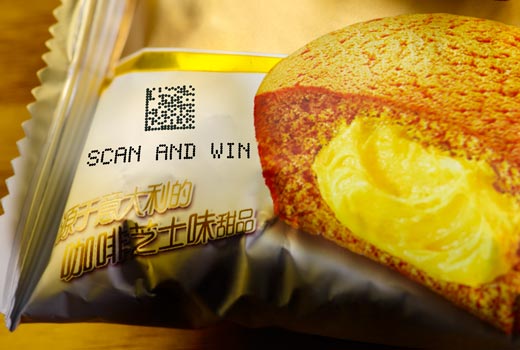
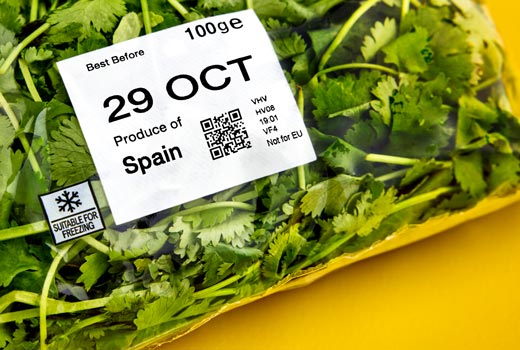
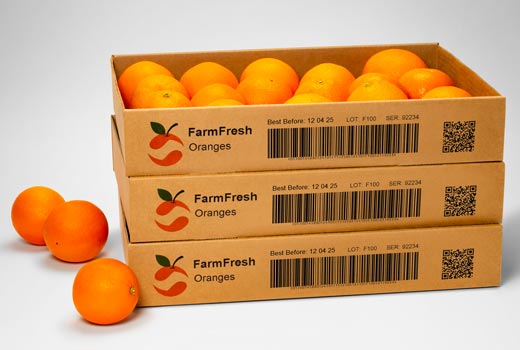
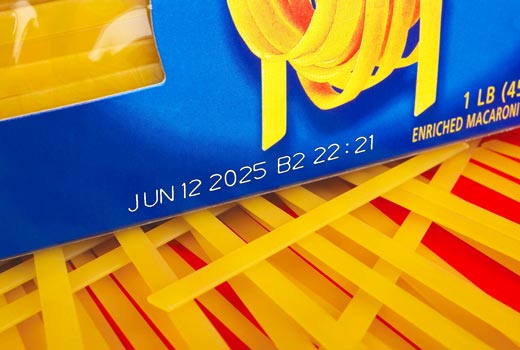
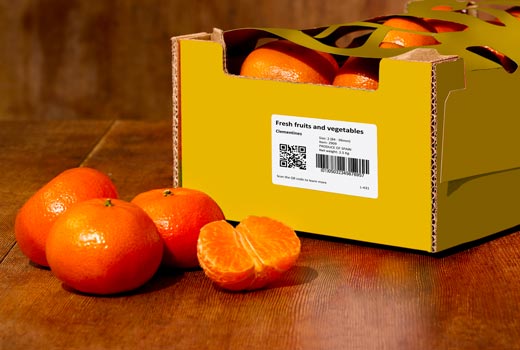
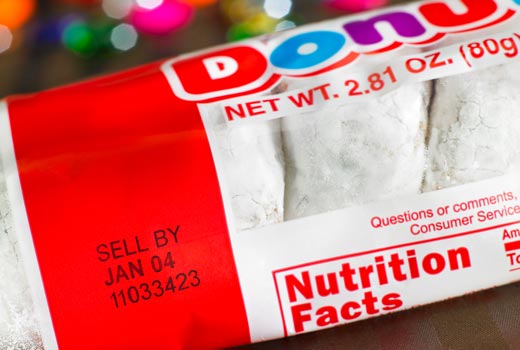
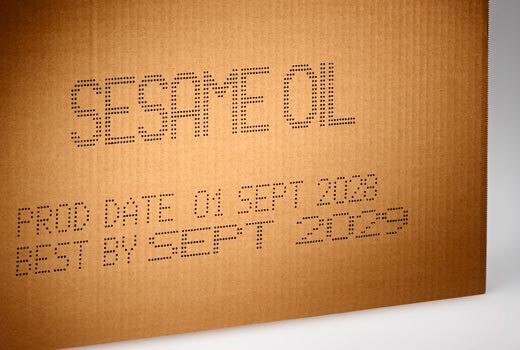
Print and apply labeling is the most common approach to meet GS1-128 barcode requirements. This automated industrial process combines label printing and application in a continuous operation:


CIJ Printers (Continuous Inkjet)
chevron_right
Thermal Transfer Overprinters
chevron_right
Large Character High Resolution Piezo
chevron_right
Laser Coders
chevron_right
Print and Apply Labeling Machines
chevron_right
Thermal Inkjet
chevron_right
Valvejet Large Character
chevron_right
Supplies
chevron_right

Industrial Label Printers - Print and Apply Systems
Automated label printing for cases, boxes, trays, and pallets. GS1-compliant label printing machines for industrial traceability.
- Eliminating manual intervention
- Ensuring consistent code placement at high line speeds
Markem-Imaje industrial label printers deliver efficient and reliable GS1-compliant barcodes, shipping labels, traceability codes, and serialized identifiers directly onto products, bundles, and mixed-format packaging.
The technology is standard across food and beverage, pharmaceutical, logistics, and industrial manufacturing where automated label application is required for supply chain compliance and regulatory traceability. Markem-Imaje print and apply labeling systems are engineered for seamless integration into high-throughput production and distribution environments worldwide.
Please complete all fields below and we will reply to you as quickly and efficiently as possible. Thank you.
| Text, barcodes, and graphic coding 2d codes | ✔ |
| Maximum print speed - Line speed | ✔ |
| Code print quality | ✔ |
| OEM integration | ✔ |
| Camera scanning options | ✔ |
| Substrates | ✔ |
| Label positions | ✔ |
| Application method | ✔ |
| Product contact | ✔ |
| Safety guarding required | ✔ |
Industrial Label Printers for GS1-compliant production lines
Markem-Imaje print and apply labeling systems cover the full spectrum of industrial label printing applications - from single-face case and box labeling machine configurations to multi-side and full GS1-compliant pallet label printer formats.
Each system integrates directly into existing production lines through a wide range of interchangeable applicators, accommodating different product shapes, sizes, and line configurations without requiring significant engineering changes at commissioning. As an automatic label applicator, each unit supports real-time variable data updates - enabling label content changes between SKUs without stopping the line - ensuring consistent, accurate coding across high-throughput operations.
Markem-Imaje industrial label printers meet GS1 barcode standards for case and pallet identification, supporting supply chain traceability and regulatory compliance requirements across food and beverage, pharmaceutical, and logistics manufacturing environments.
What is a print and apply labeling system?
A print and apply labeling system uses the thermal transfer digital printing technology to print fixed and variable information onto a self-adhesive label which is then automatically placed onto boxes, trays, or pallets. Unlike manual labeling, print and apply labelers ensure consistent label placement and accurate data at high line speeds — eliminating human error and supporting GS1-compliant traceability across food and beverage, pharmaceutical, and logistics supply chains.
Why is labelling important in the pharmaceutical industry?
In pharmaceutical manufacturing, accurate labeling is a regulatory requirement, not just an operational one. Labels must carry lot numbers, expiration dates, serialized identifiers, and GS1-compliant barcodes to meet FDA, EU FMD, and global traceability standards. Print and apply labeling systems ensure that labels are printed and applied consistently at line speed, reducing the risk of mislabeling, product recalls, and compliance failures across primary and secondary pharmaceutical packaging operations.
What is the difference between direct thermal and thermal transfer printing?
Direct thermal and thermal transfer are two common printing methods used in print and apply labeling systems. Direct thermal printing applies heat directly to a direct thermal label to produce the required information. No ribbon or ink is required. It is ideal for short-to-medium-life applications or well-controlled environments. Common applications include the retail, logistics and dairy industries. Thermal transfer printing uses a thermal ribbon positioned between the label material and the printhead. Heat from the printhead transfers ink from the thermal transfer ribbon onto the label, producing more durable codes on a wider range of packaging materials. Thermal transfer labels are ideal for long-term high-quality and full code compliance are needed.
How does a print and apply labeling machine work?
A print and apply labeling machine is typically made up of a label printer, label handling unit, and a label applicator. The system operates in two stages: fixed and variable information are first printed onto a self-adhesive label, then the printer label is automatically applied onto products and product packaging with precision. Print and apply offers a range of application methods to suit the wide variety of production methods and products, including blow, tamp, tamp-blow, synchronous feed and wipe.
Testimonials
All
MORE FILTERS
LESS FILTERS
print and apply labeling
DOWNLOAD PDF
mi-btn mi-btn--primary-color-01 mi-btn--small mi-btn--fixed-bottom
REQUEST A QUOTE
mi-btn mi-btn--primary-color-02 mi-btn--small mi-btn--fixed-bottom
/en/contact-us
Find your product
add
MORE FILTERS
-
Expert Insider: How the Print and Apply (P&A) labeler is helping companies adapt to current and emerging challenges
Print and Apply is at an interesting point in its development. As the biggest global solutions provider of the Print and Apply labeler, we are seeing some notable changes. -
How to choose a Print and Apply applicator
Print and apply is a labeling system made up of a label printer, label handling unit, and a label applicator. It enables manufacturers to create and place labels directly onto products and product packaging. Label types can vary widely and can include barcodes, product information, tractability data, branding, and serialization.
What’s the best coding technology for your GS1-128 barcodes?
With the rising demand for detailed information at case and pack level to optimize traceability and enhance scope for automation, GS1-128 is now the preferred standard in retail barcodes and is used in supply chains worldwide.
What’s in a barcode?
A GS1-128 barcode might look simple, but it can encode far more information than any other option through its use of application identifiers (AI). This makes these barcodes much more useful when it comes to automated traceability and logistics. Over 100 AI options exist, from which companies can select the information best suited to the product and the requirements. These can include:
- Global Trade Identification Number (GTIN)
- Global Location Number (GLN)
- Lot / batch / serial number
- Best-before / Sell-by dates
- Net weight / dimensions
- Serial Shipping Container Code (SSCC)
How can I comply with GS1-128 standards?
While GS1-128 barcodes offer many advantages, printing requirements are more stringent. For example, they call for high resolution and a great degree of contrast between the print and packaging material. The print solution must deliver the required ANSI (American National Standard Institute) grade on the type of material and shape required.
This has led to an increased interest in robust software solutions to avoid waste from misprinted information. Here are the key points for picking the right coding solution:
This has led to an increased interest in robust software solutions to avoid waste from misprinted information. Here are the key points for picking the right coding solution:
1. Consider the packaging material
- Print and apply labeling is the most prevalent option for GS1-128 codes, accommodating the widest range of materials and shapes since the product surface is less important when using labels. In line with the GS1-128 recommendation to use two labels, there are print and apply labeling systems on the market that print on front and side without requiring costly line modifications. This option works on curved or uneven surfaces and is the only choice for shrink- and stretch-wrapped products. It is essential that the system ensures grade C ANSI or better with 300dpi print quality.
- In certain circumstances an inkjet printer can be used to print directly onto cases, with the advantage of eliminating label costs. This is possible if the material is light in colour, with a reflectance of 43.3 or higher, such as corrugate made from bamboo, material with low recycled content, etc. Note that systems with liquid inks are unsuitable as they struggle to meet the required ANSI grade. Choose a solution with solid inks that can print in 200dpi resolution directly onto cases. For example, solid wax-based inks ensure the code dries immediately on contact and will not spread on either porous or non-porous packaging. The coding technology and inks must guarantee grade C ANSI codes.
- In the case of brown packaging, either a white area can be printed on first and the barcode applied in that space, or the barcode can be printed directly on the brown background with high optical density inks.
2. Use GS1-128 compliant printers and software
- There is little point in having the right printing equipment and consumables to generate good quality GS1-128 barcodes on your packaging if the actual information being encoded is flawed. There are many points along the chain at which human error can introduce non-compliant data into the barcode. An end-to-end software solution with GS1-128 parameters built in will flash an error warning if operators attempt to input invalid information at any stage of the production process.
- Overall operational efficiency is also improved by tight integration with company systems, allowing seamless and accurate data exchange between Enterprise Resource Planning (ERP) and Manufacturing Execution Systems (MES), while validating that encoded data meets GS1-128 specifications.
- The most advanced systems on the market also include automated job set-up and a data-design wizard to prevent invalid input, enhanced with vision systems to ensure that every product leaves the factory with a compliant barcode.
A one-stop shop for your GS1-128 needs
Markem-Imaje has been helping manufacturers worldwide implement GS1-128 barcode printing solutions for over a decade. Unlike other suppliers who rely on third parties, introducing integration risk, we offer both the required hardware and software to support manufacturers through the required changes.
We hope this article will help you navigate the ever-evolving barcode landscape. If you have any questions, you’re welcome to contact us directly, or join the conversation on our social networks.
Please share this post on your favorite network…


Please complete all fields below and we will reply to you as quickly and efficiently as possible. Thank you.


 Quick Access Tools


